
The best AI writing tools depend on what you’re actually trying to write, and I’ve learned that by using different tools for different parts of my AngelinaCH workflow.
I blew through way too much time testing AI writing tools over the past few years, trying to figure out which ones actually save time and which ones just spit out generic fluff.
The honest truth? No single tool is great at everything. A tool that works well for blog outlines might not be the one you want for rewriting an awkward sentence or working on fiction.
I’ve tested several of these tools while working on AngelinaCH, using them for things like drafting, editing, research, and fact-checking. So rather than pretending there’s one obvious winner, here’s where I think each tool actually fits.
Best AI Writing Tools at a Glance
| Tool | Best for | Access |
| ChatGPT | General-purpose writing and brainstorming | Free plan |
| Claude | Long-form writing and editing | Free plan |
| Gemini | Google ecosystem workflows | Free plan |
| Perplexity | Research-heavy writing | Free plan |
| Jasper | Marketing content and brand voice | 7-day trial |
| QuillBot | Paraphrasing and rewriting | Free plan |
| Sudowrite | Creative and fiction writing | 7-day trial |
| Grammarly | Editing and polishing | Free plan |
AI pricing, features, and usage limits can change, so check each provider’s current website before subscribing.
8 Best AI Writing Tools in 2026
1. ChatGPT: Best Overall AI Writing Tool
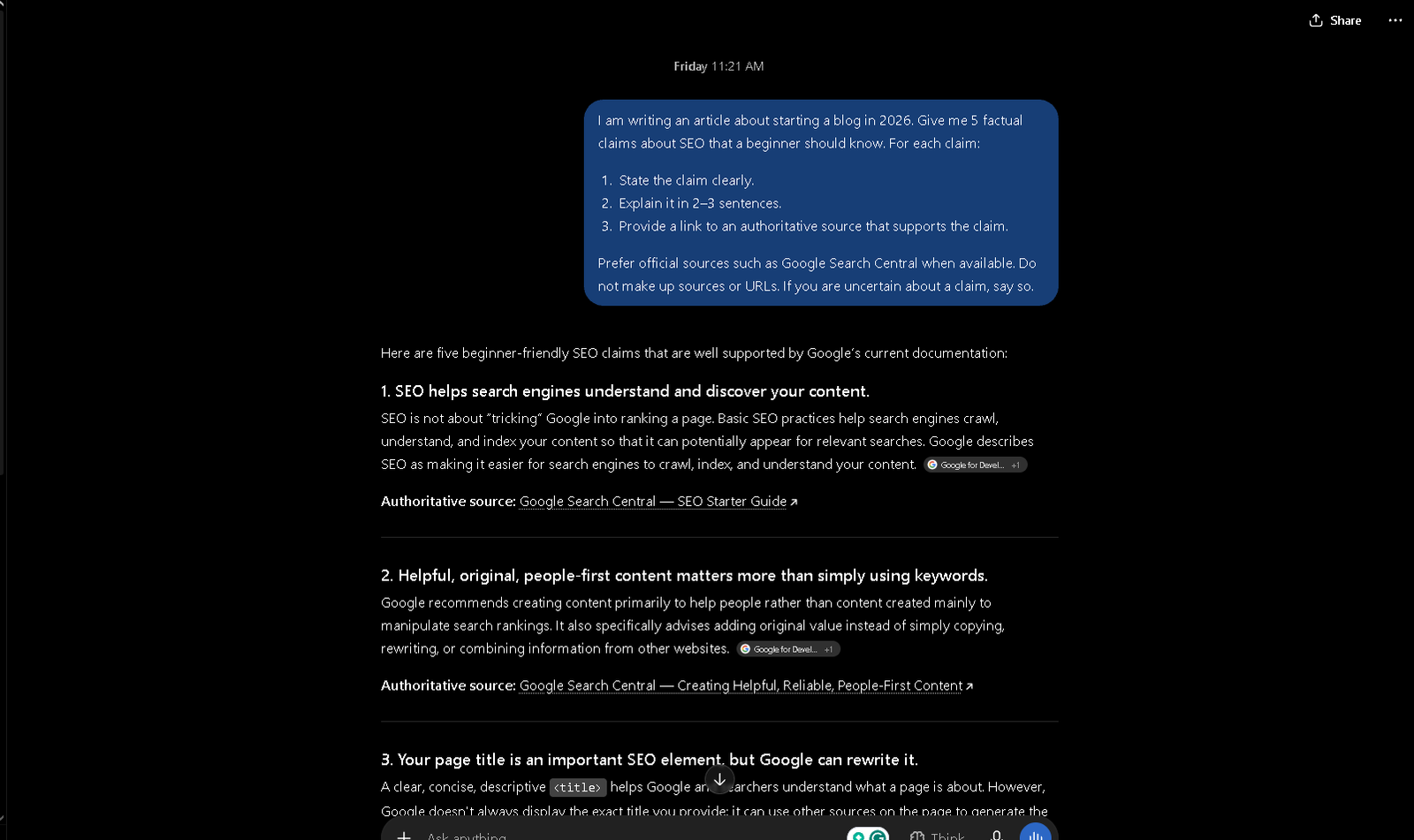
If you only want one general-purpose tool, ChatGPT is a useful starting point. I use it for outlines, brainstorming, quick rewrites, and turning messy ideas into something more structured.
Its biggest advantage is flexibility. You can change direction halfway through a conversation without having to start from scratch.
The catch: Because it tries to do almost everything, it isn’t the best at every specific task. Long-form writing can also become robotic or overly wordy without careful prompting and editing.
2. Claude: Best for Long-Form Writing
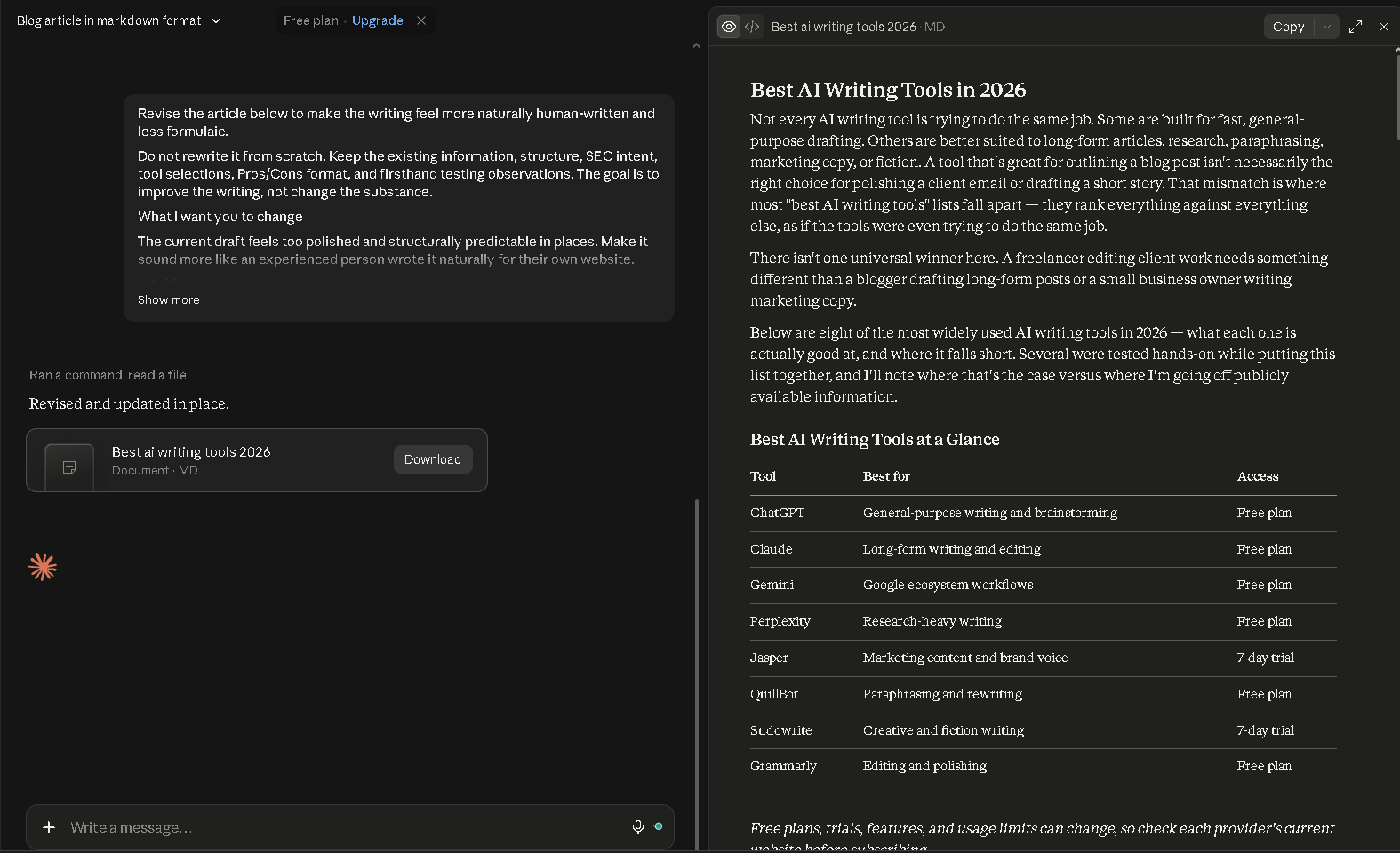
When I need to write a longer piece for AngelinaCH, Claude is usually the tool I reach for. I find it particularly useful when an article needs to maintain a consistent tone and structure across thousands of words.
I specifically tested it on long articles to see whether the writing would become repetitive as the piece got longer. It stayed surprisingly consistent.
If you’re interested in the broader AI tools I use for blogging, I’ve also covered the best AI tools for bloggers.
The catch: Claude isn’t primarily a research tool, and it can sometimes be a little too willing to write. You may need to tell it to get to the point.
3. Gemini: Best for Google Ecosystem Users
Gemini’s biggest advantage isn’t necessarily its writing quality. It’s convenience.
If you already spend most of your time in Google Docs and other Google services, having AI assistance within that ecosystem can make the workflow easier.
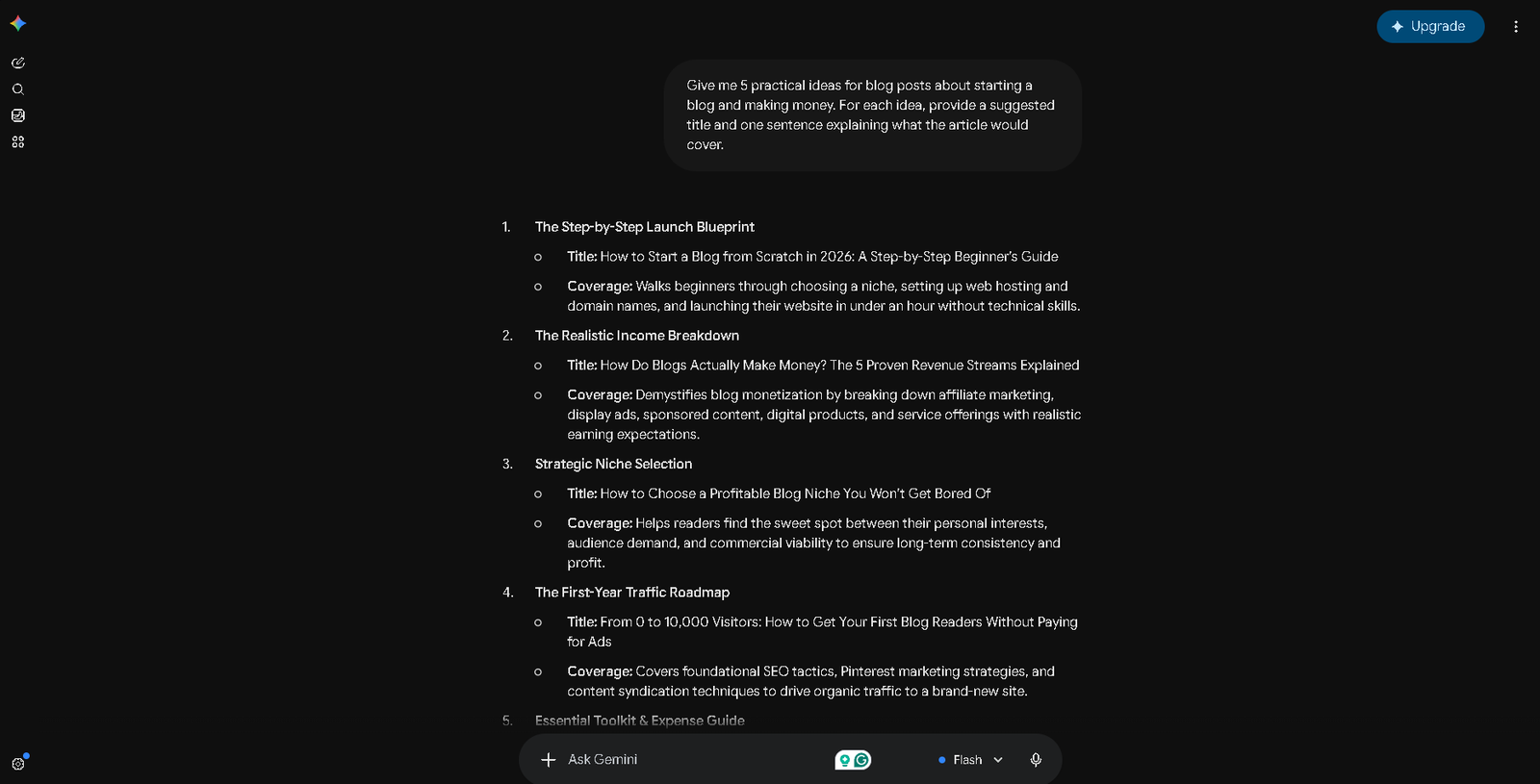
I tested Gemini for article outlines and SEO-related factual claims. The integration was convenient, but I still had to manually verify the information it gave me.
The catch: Some of the output can feel generic, and factual claims still need checking.
4. Perplexity: Best for Research-Heavy Writing
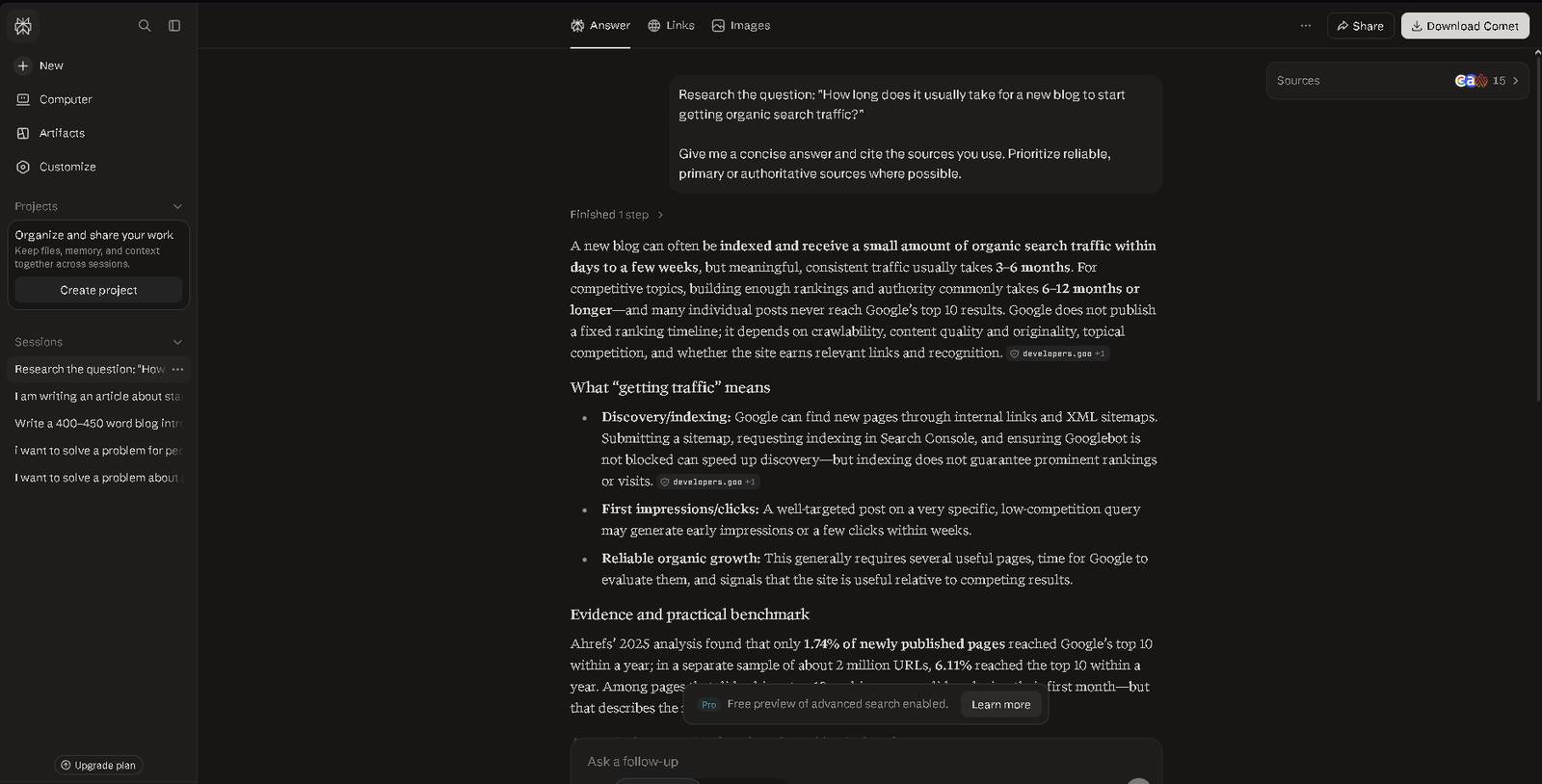
Perplexity is different from most of the tools here. I use it primarily for research rather than writing.
When putting together research-heavy articles, I’ve used it to find background information, statistics, and source material. It can save a lot of time compared with manually digging through search results.
This is also useful if you’re building a blog with AI, where research is still an important part of the process.
The useful part is that it provides sources you can open and check yourself.
The catch: A citation doesn’t automatically mean the information is correct. I still open important sources and verify the claims before using them.
5. Jasper: Best for Marketing Writing
Full disclosure: I didn’t test Jasper hands-on for this roundup, so this section is based on its positioning and features rather than personal experience.
Jasper is focused more heavily on marketing teams, brand voice, campaign content, and collaborative workflows.
If you’re running a solo site like AngelinaCH, you may not need something this specialized.
The catch: Its pricing and feature set can make less sense if all you want is a straightforward writing assistant.
6. QuillBot: Best for Paraphrasing and Rewriting
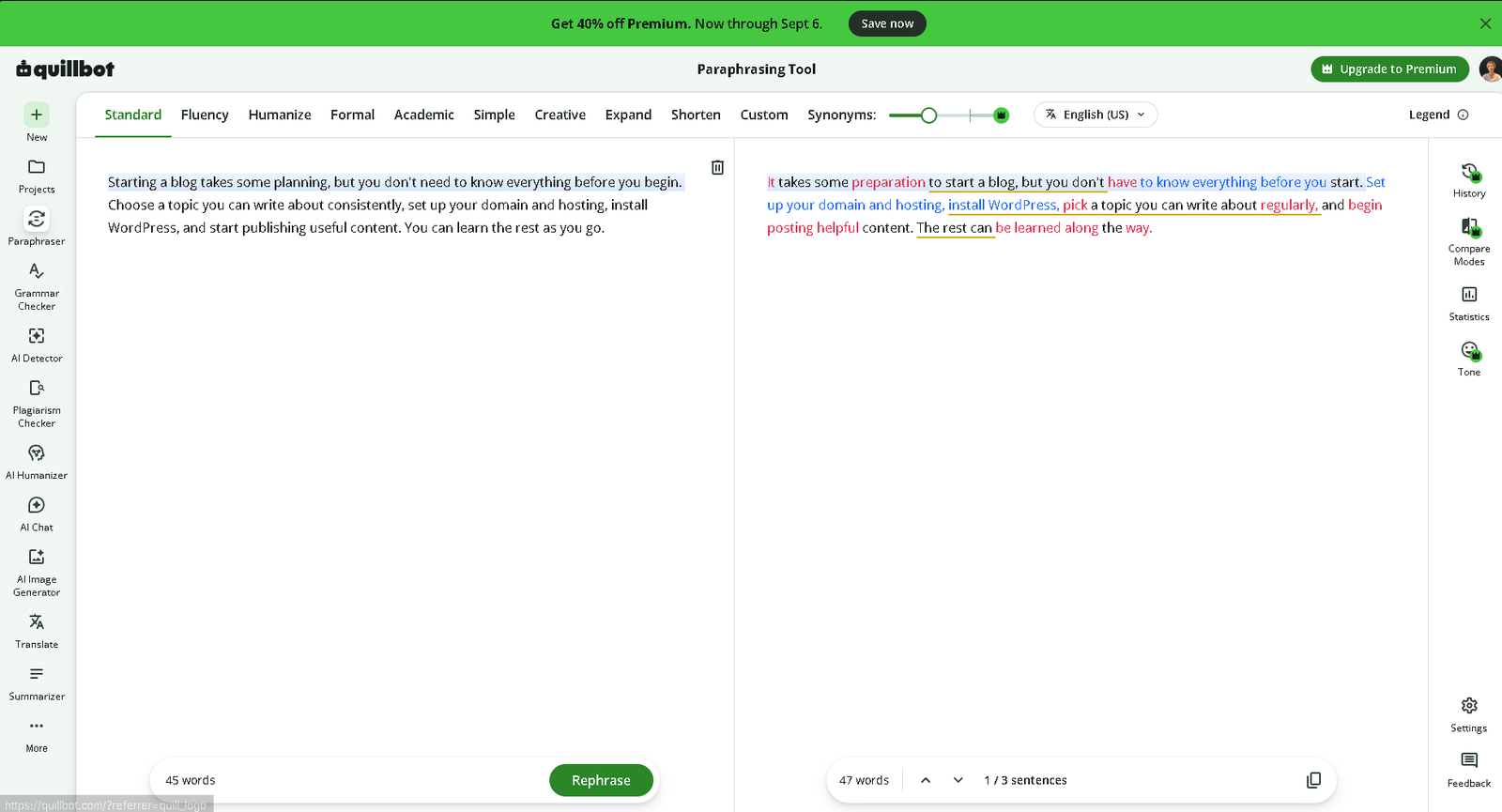
QuillBot takes a different approach from tools that generate entire articles. It’s mainly useful when you already have something written and want help rephrasing it.
I tested it on some awkward paragraphs from earlier drafts. It gave me useful alternatives for restructuring sentences, although some of the output still needed a manual cleanup.
The catch: I wouldn’t use it to generate an entire article. It’s much more useful as an editing and rewriting tool.
7. Sudowrite: Best for Creative Writing
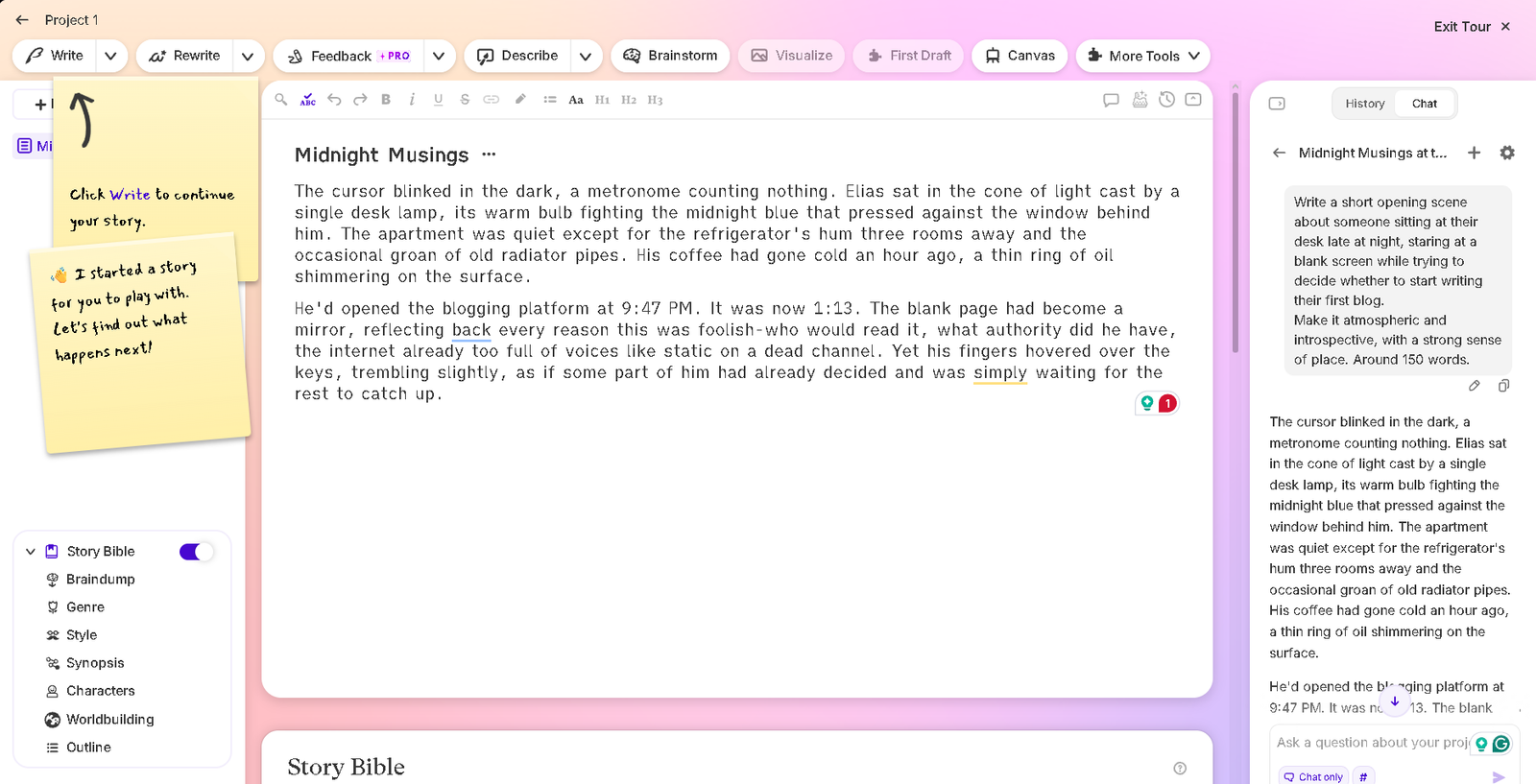
Sudowrite is specifically focused on fiction and creative writing, including characters, scenes, and narrative development.
I tested it on narrative-driven drafts and found its output more expressive and creative than the business-focused AI tools I normally use.
That specialization is also its limitation.
The catch: If you’re writing ordinary blog posts or SEO content, you probably don’t need a tool designed primarily for fiction.
8. Grammarly: Best for Editing and Polishing
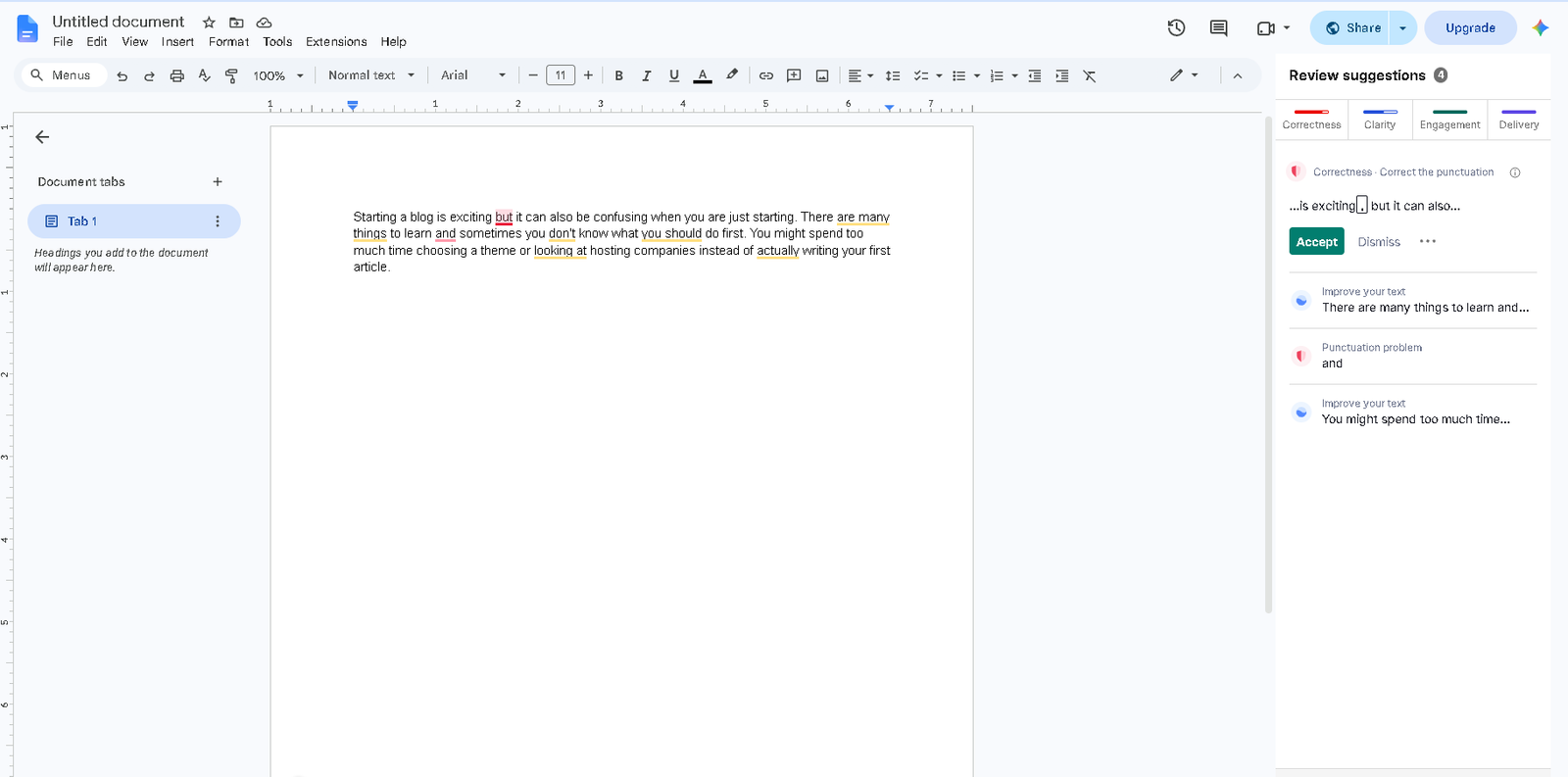
Grammarly is the last stop in my publishing workflow. I don’t use it to generate ideas or write entire articles. I use it to catch typos, punctuation problems, and awkward phrasing before publishing.
It’s particularly useful after you’ve already spent hours looking at the same article and stopped noticing your own mistakes.
The catch: It can be too aggressive. If you accept every suggestion, it can gradually strip away your natural writing style and make the article sound generic.
How to Choose the Best AI Writing Tool
The easiest way to narrow down the options is to start with the type of writing you’re doing.
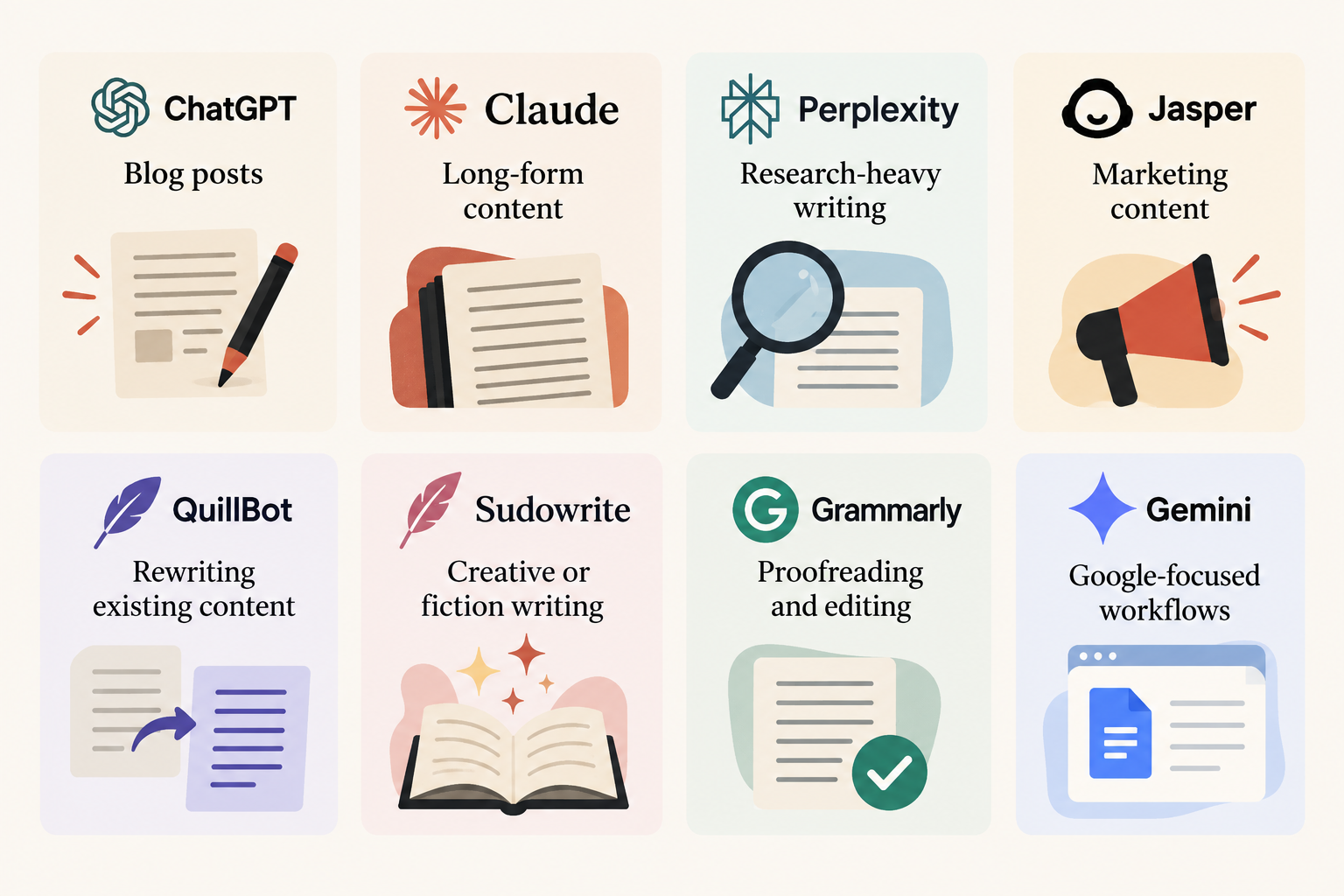
Writing blog posts: ChatGPT or Claude can handle brainstorming, outlining, drafting, and revisions in one place.
Long-form content: Claude is a strong choice when maintaining a consistent tone and flow across a longer piece is important.
Research-heavy writing: Perplexity is useful at the beginning of the process when you need to gather information and find sources.
Marketing content: Jasper is built around marketing workflows and brand voice, although we haven’t tested it myselves.
Rewriting existing content: QuillBot is designed specifically for paraphrasing and reworking text you’ve already written.
Creative or fiction writing: Sudowrite is the more specialized option if you’re working on stories, characters, or scenes.
Proofreading and editing: Grammarly is useful when you already have a draft and want to improve its grammar, clarity, and overall flow.
Google-focused workflows: Gemini is worth considering if most of your work already happens within Google’s ecosystem.
My AI Writing Stack for AngelinaCH
I don’t use one AI tool for everything.
My current workflow is fairly simple:
- Perplexity for background research and sources.
- Claude for the initial article structure and draft.
- My own hands to rewrite, trim the fluff, check the information, and add my actual experience.
- Grammarly for the final proofreading pass.
That last step is important. AI can make the first draft much faster, but I don’t want the final article to simply sound like an AI-generated draft.
The useful part of this workflow is knowing where to stop using AI and start using your own judgment.
Frequently Asked Questions
What is the best AI writing tool in 2026?
There isn’t one best tool for every task. ChatGPT and Claude are useful general-purpose options, while Perplexity, QuillBot, Sudowrite, and Grammarly are more specialized.
Are there good free AI writing tools?
Yes. ChatGPT, Claude, Gemini, Perplexity, QuillBot, and Grammarly all offer free access, although features and usage limits vary.
Which AI tool is best for writing blog posts?
ChatGPT and Claude are useful for outlining, drafting, and revising. Perplexity can help when an article requires more research.
Can AI writing tools replace human writers?
Not completely. They can speed up research, drafting, and editing, but human judgment is still needed for fact-checking, originality, and the final voice.
The Bottom Line
You don’t need eight AI writing tools. I’ve found that a small stack is enough for my workflow: Perplexity for research, Claude for drafting, my own editing for the parts that require judgment, and Grammarly for final cleanup. The right setup isn’t the one with the most tools. It’s the one that removes the parts of writing that slow you down without taking over the parts that should still be yours.